How to cut fake COD orders with WhatsApp confirmation
A COD order is only a promise to pay. Here's how I confirm orders on WhatsApp before dispatch, with scripts you can copy, and why it matters for your ads.
The short answer
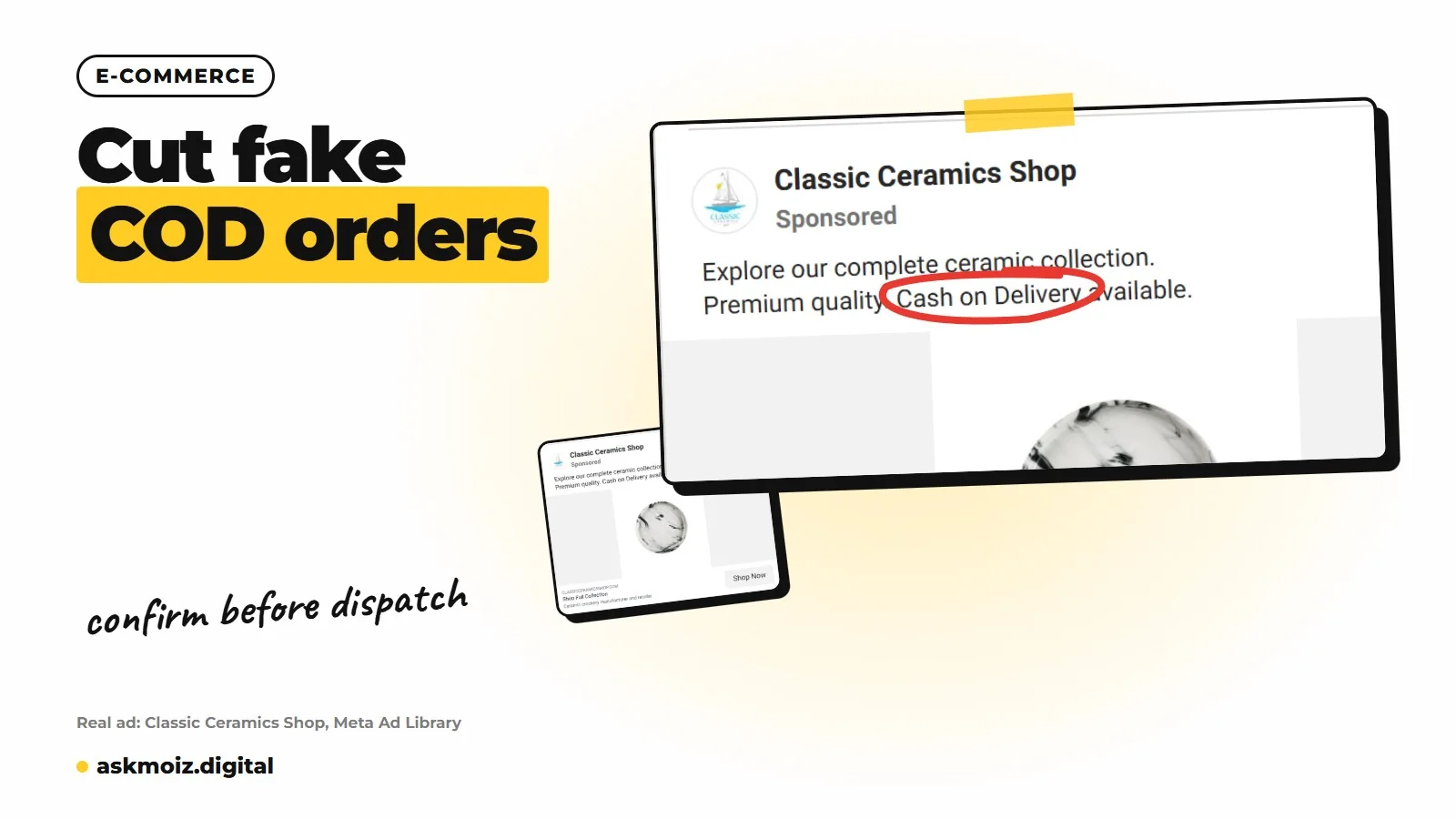
To cut fake and refused COD orders, send every order a short WhatsApp message with the items, order total and address, and ask the customer to reply YES or NO. Call when there's no reply or the order looks risky, dispatch only confirmed orders, and send confirmed or delivered orders back to Meta and Google instead of every placed order.
Confirm before dispatch
- Message every COD order
- Call when no reply
- Dispatch confirmed orders only
- Log delivered per campaign
- Send confirmed orders back
In this post
Every COD store owner I work with has a story about the parcel that came back. The customer's phone was off. The address was a mosque. Someone ordered as a joke. The courier charged both ways, the stock sat in a warehouse for a week, and the ad that brought the order is still being told it found a buyer.
You can't stop every refused parcel, but you can stop a lot of them before they leave your warehouse. The simplest tool most COD stores already have is WhatsApp. Here is how I set up confirmation, and why it matters for your ads too.
Why should I confirm COD orders before dispatch?
Confirming before dispatch filters out fake, mistaken and impulse orders before you pay for shipping on them. On cash on delivery, the customer risks nothing by ordering. A short confirmation step asks them to commit once, while the order is fresh in their mind.
It also catches honest problems: a wrong number, an incomplete address, a size they want to change, or a customer who ordered twice by accident. Each of those would otherwise become a returned parcel.
A COD order isn't a sale. It's a promise to maybe pay later. Confirmation turns more promises into sales.
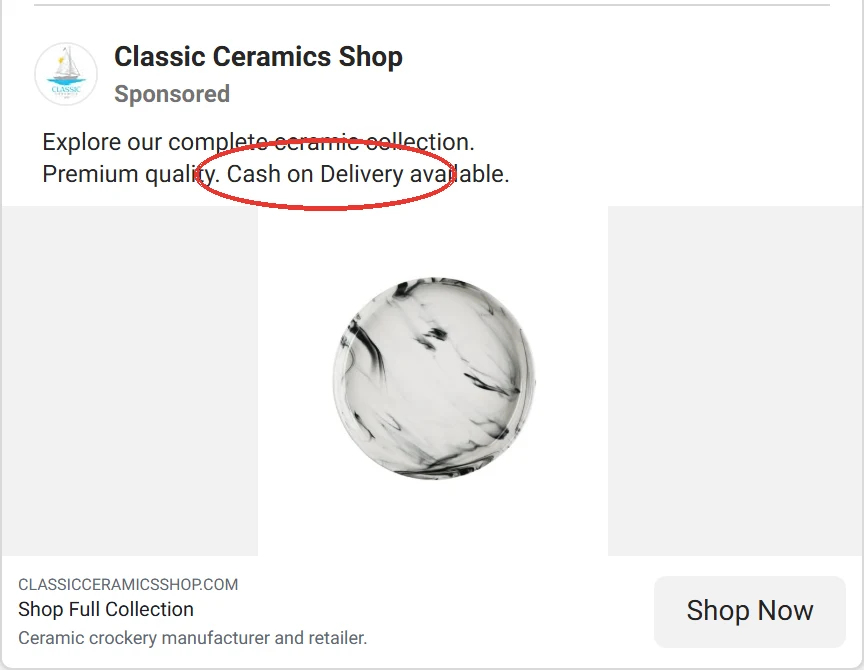
What message should I send on WhatsApp?
Send one short message soon after the order is placed, with the order number, the items, the total (in PKR, AED or your own currency), the delivery address and a clear question: confirm or cancel. Keep it friendly and make replying easy.
Here are the two versions I start from. Use the language your customers use with you.
Order confirmation (English)
Hi [Name], thank you for your order from [Store]!

Order #[number]
[Items]
Total: PKR [amount] (cash on delivery)
Address: [address]

Please reply YES to confirm, or NO to cancel.
We will dispatch once you confirm.
Fill in the brackets from the order. Keep the total and address in the message so the customer can spot mistakes.
Order confirmation (Roman Urdu)
Assalam o Alaikum [Name], [Store] se order karne ka shukriya!

Order #[number]
[Items]
Total: PKR [amount] (cash on delivery)
Address: [address]

Order confirm karne ke liye YES likhein, cancel karne ke liye NO.
Confirm hote hi hum parcel dispatch kar denge.
Adjust the tone to match how your store already talks to customers.
If you send these automatically through the WhatsApp Business API or an app that uses it, the message usually has to be an approved template. With the free WhatsApp Business app, you can save it as a quick reply. I compare the two in WhatsApp Business app vs API for stores.
When should I call instead of messaging?
Call when the order carries more risk than usual or the customer hasn't replied. A phone call takes longer, so save it for the orders where it pays off.
- No reply after a few hours, or by the end of the day.
- High value orders, where one return costs you a lot.
- Incomplete or strange addresses, or a city you rarely deliver to.
- Repeat orders from the same number in a short time, or a number with past refusals.
- The customer asked a question in their reply that's easier to answer by voice.
Decide a rule for what happens if you still can't reach them, for example hold the order for a day, then cancel. Write it down so your team does it the same way every time.
Why should only confirmed or delivered orders go back to ad platforms?
Because Meta and Google learn from the conversions you send them. If every placed order counts as a purchase, they learn to find more people like the ones who ordered and then refused. That makes fake orders cheaper to get, not rarer.
Even if you can't automate it yet, track confirmed and delivered orders in a sheet next to each campaign. You will often find that the campaign with the cheapest orders isn't the one with the cheapest delivered orders.
How do I know confirmation is working?
Track three numbers every week: orders placed, orders confirmed and orders delivered. If confirmation is working, fewer parcels come back, even if fewer orders are dispatched.
- Send the confirmation message soon after every COD order.
- Call when there's no reply or the order looks risky.
- Dispatch only confirmed orders, with a written rule for the rest.
- Log placed, confirmed and delivered for each campaign.
- Send confirmed or delivered orders back to Meta and Google.
Once you have delivered orders per campaign, you can judge ads on real money. I cover how in ROAS vs POAS vs blended ROAS.
If fake orders are eating your margin and you want the whole loop set up, managed ads covers it. To talk it through first, book a strategy call.
Questions people ask me about fake COD orders
Will asking customers to confirm reduce my orders?
It can reduce dispatched orders, because some people won't confirm. Those are mostly the orders that would have come back anyway. Judge it on delivered orders and money collected, not on orders placed.
Can I automate WhatsApp order confirmation?
Yes. Many Shopify apps send confirmation messages through the WhatsApp Business API, usually as an approved template, and mark the order based on the reply. With the free WhatsApp Business app, you can save the message as a quick reply and send it by hand.
Should I take an advance payment instead?
For high value orders, or customers with past refusals, a small advance or full prepayment can make sense. For most orders it adds friction many COD buyers don't like. I'd start with confirmation and use advances only for the risky cases.
How do I send confirmed orders back to Meta?
Keep the normal Purchase event, and send confirmed or delivered orders as a separate event from your server through the Conversions API, either with an app or a developer. Then judge campaigns on that event instead of placed orders.
Got a question this didn't answer? Message me on WhatsApp.
Where this comes from
Everything in this post comes from setting up and fixing ad accounts myself. Platform menus and names change often, so if a screen looks different from what I describe, check the platform's own help pages for the current wording, or message me and I'll point you to the right one.

Written by Moiz Khan
Meta and Google Ads consultant, 13+ years in ad accounts
I'm Moiz Khan. I've spent 13+ years inside Meta and Google ad accounts and managed $12M+ in ad spend, for e-commerce and service businesses in Pakistan and abroad. Here I write down what I check, what I change and why, so you can fix your own account or know what to ask for.