WhatsApp Business app vs API: which one your store needs
The free app works for most new stores. The API starts paying for itself when chats get missed. Here's how I decide which one a store needs.
The short answer
Stay on the free WhatsApp Business app while one or two people can answer every chat by hand. Move to the WhatsApp Business Platform (API) when chats are being missed, several agents need one number, or you want automatic COD order confirmations. The API costs a provider fee plus Meta's message charges, so check current rates first.
Before you switch
- Count missed chats weekly
- Count who replies
- Collect opt-in at checkout
- Check Meta's current rates
- Ask about keeping history
In this post
Most of the stores I work with sell on WhatsApp before they sell anywhere else. The ad gets the click, but the order gets confirmed in a chat. So sooner or later the owner asks me: should we stay on the free WhatsApp Business app, or move to the API everyone keeps talking about?
The honest answer depends on how many chats you handle, how many people answer them, and how much of it you want to automate. Here's how I think about it.
What is the difference between the WhatsApp Business app and the API?
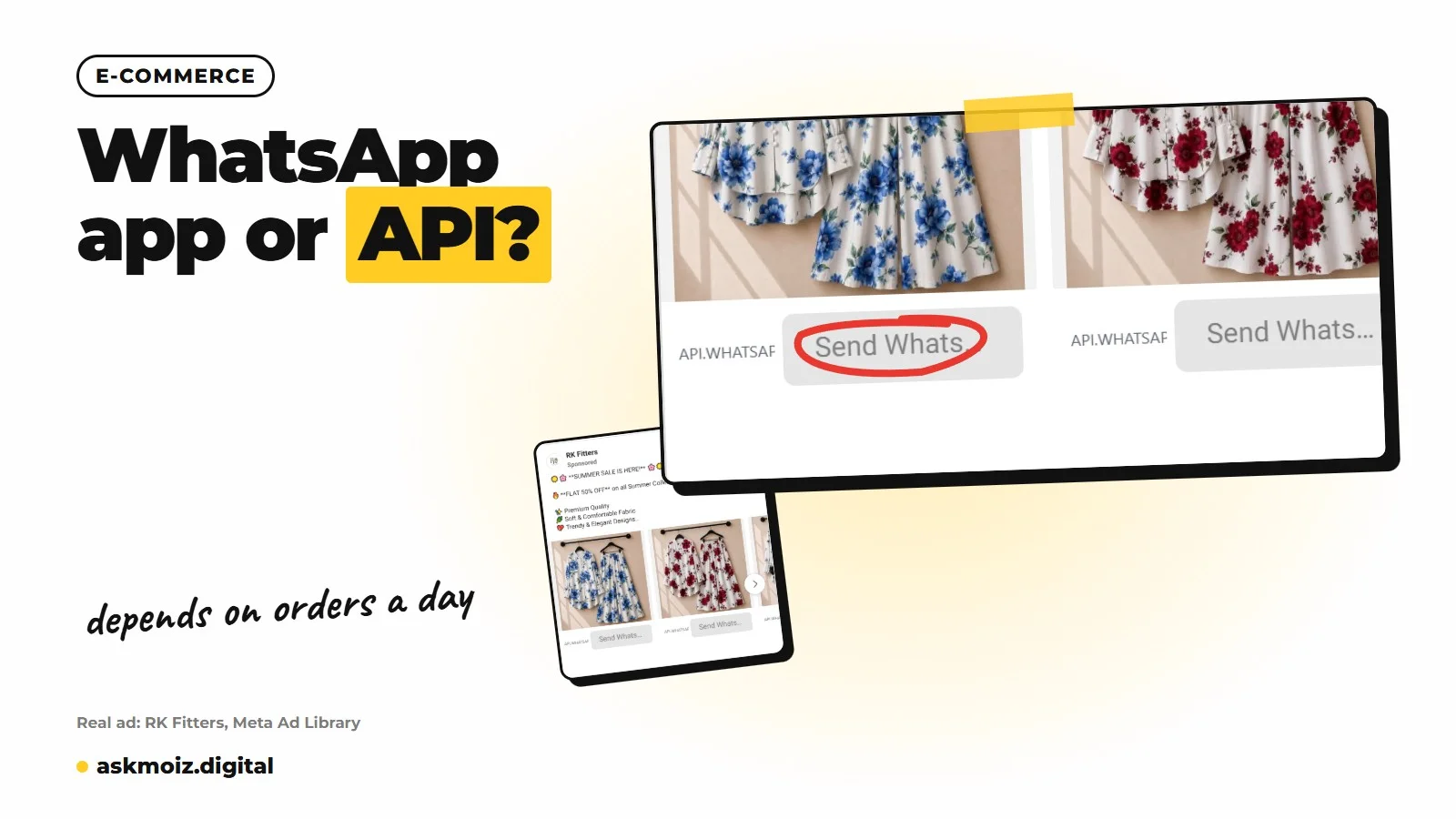
The WhatsApp Business app is a free phone app you run yourself. The WhatsApp Business Platform (people call it the API) is a service you connect to software, usually through a provider, so a team and automations can run your WhatsApp number together.
The app is built for one owner or a small team answering chats by hand. It gives you a business profile, a catalog, quick replies, labels, a greeting message and an away message. That covers a lot of small stores.
The API has no app of its own. You either connect to Meta's Cloud API directly, which needs a developer, or you sign up with a business solution provider that gives you a shared inbox, chatbots and broadcast tools on top. You pay the provider for their software, and you pay Meta for certain messages.
Which one suits your store?
Stay on the app if one or two people answer every chat and your daily order volume is manageable by hand. Move to the API when chats are being missed, several agents need the same number, or you want order confirmations to send themselves.
| What you need | Business app | Business Platform (API) |
|---|---|---|
| Who answers | You, plus a few linked devices | Many agents in one shared inbox |
| Automation | Greeting, away message, quick replies | Chatbots, store integrations, automatic order messages |
| Catalog | Built in, added by hand | Can sync with your store through Meta's catalog |
| Broadcasts | Broadcast lists, only reach people who saved your number | Approved templates to opted-in customers |
| Cost | Free | Provider fee plus Meta's message charges |
| Best for | New and small stores | Stores where chats are already being missed |
Can multiple agents use one WhatsApp number?
On the app, a small team can share one number through linked devices, but everyone sees the same chats with no proper assignment. On the API, a provider's inbox lets you assign chats, see who replied, and hand over between shifts.
This is usually the real reason stores switch. When three people reply from linked devices, two of them answer the same customer and nobody answers the next one. The cost of that is missed orders, not software fees.
Automation is the second reason. With the API, your store can send an order confirmation the moment someone orders on cash on delivery, with buttons to confirm or cancel. That's the setup I explain in confirming COD orders on WhatsApp before you ship.
What are the broadcast limits and opt-in rules?
On the app, a broadcast only reaches contacts who have saved your number, so most of your list never sees it. On the API, you can message customers who opted in, but only with templates Meta approves first.
Opt-in means the customer agreed to hear from you on WhatsApp. A checkbox at checkout, or a clear line on your order form, is the usual way. Don't upload a bought list or old Daraz buyers who never agreed. People block and report, and that lowers your number's quality rating and the number of people you're allowed to message.
WhatsApp is not an SMS blaster. Send fewer messages to people who asked for them.
How much does the WhatsApp Business API cost?
The app is free. The API has two costs: what your provider charges for its software, and what Meta charges for messages. Meta sets its own rates by country and message type, and it has changed the pricing model more than once.
Meta used to charge per conversation. It has since moved toward charging per template message, with different rates for marketing, utility and authentication messages, and many replies inside the customer service window cost nothing. Check Meta's current pricing page for your country before you budget, and ask your provider whether they add a markup on Meta's rates.
Price the missed chats first
Count how many chats went unanswered last week. If that's more orders than the API costs you, switch.
When should I switch from the app to the API?
Switch when the app is costing you orders. These are the signs I look for in an account:
- Chats sit unanswered for hours during sale days or after a new ad goes live.
- More than two people need to reply from the same number.
- You confirm COD orders by hand and it takes someone half the day.
- You want to message past buyers who opted in, not only people who saved your number.
- Your ads send traffic to WhatsApp and you can't tell which chats became orders.
Before you move, check one thing: a number registered on the API has usually not been usable in the normal app at the same time. Meta has added ways to run both on one number, but ask your provider what they support so you don't lose your chat history.
Start on the app. Move when the chats outgrow the people answering them. If your WhatsApp is about to get busier because you're launching ads, read my launch checklist for a new store first.
If you want me to look at how your ads, WhatsApp and COD confirmations fit together, book a strategy call. If you'd rather hand the ads over, that's what managed ads is for.
Questions people ask me about WhatsApp for stores
Is the WhatsApp Business API free?
No. The app is free, but the API has two costs: your provider's software fee and Meta's charges for certain messages. Meta sets rates by country and message type, and many replies inside the customer service window cost nothing. Check Meta's current pricing page for your country before you budget.
Can I keep my existing number when I move to the API?
Usually yes, but check how. In the past, a number on the API couldn't also be used in the normal app. Meta has added ways to run both on one number. Ask your provider what they support before you move, so you don't lose chat history.
Can I send WhatsApp broadcasts to all my old customers?
Only to people who agreed to hear from you on WhatsApp. On the app, broadcasts only reach contacts who saved your number. On the API, you need opt-in and Meta-approved templates. Messaging people who never agreed leads to blocks and reports, which hurts your number's quality rating.
Do I need the API to run click to WhatsApp ads?
No. Click to WhatsApp ads work with the normal Business app. The API helps once those ads bring more chats than your team can answer, or when you want to track which chats became orders.
Got a question this didn't answer? Message me on WhatsApp.
Where this comes from
Everything in this post comes from setting up and fixing ad accounts myself. Platform menus and names change often, so if a screen looks different from what I describe, check the platform's own help pages for the current wording, or message me and I'll point you to the right one.

Written by Moiz Khan
Meta and Google Ads consultant, 13+ years in ad accounts
I'm Moiz Khan. I've spent 13+ years inside Meta and Google ad accounts and managed $12M+ in ad spend, for e-commerce and service businesses in Pakistan and abroad. Here I write down what I check, what I change and why, so you can fix your own account or know what to ask for.